
 Join our Discord
![[FREE] Crossfire — Modern NUI Crosshair](http://dunb17ur4ymx4.cloudfront.net/packages/images/090121783aaa0d25f7af67db71284b1753f5e46d.png)
Crossfire: Modern NUI Crosshair for FiveM
Crossfire is a lightweight and polished crosshair resource for FiveM featuring a modern NUI. It allows players to fully customize their crosshair in seconds with a clean and responsive interface. The resource is completely standalone, requires no framework dependencies, and is compatible with ESX and QBCore servers.
Key Features
🎯 Standalone by Design: No dependencies on ESX, QBCore, or any other framework.
💾 Persistent Settings: Player configurations are saved client-side via Key-Value Pair (KVP).
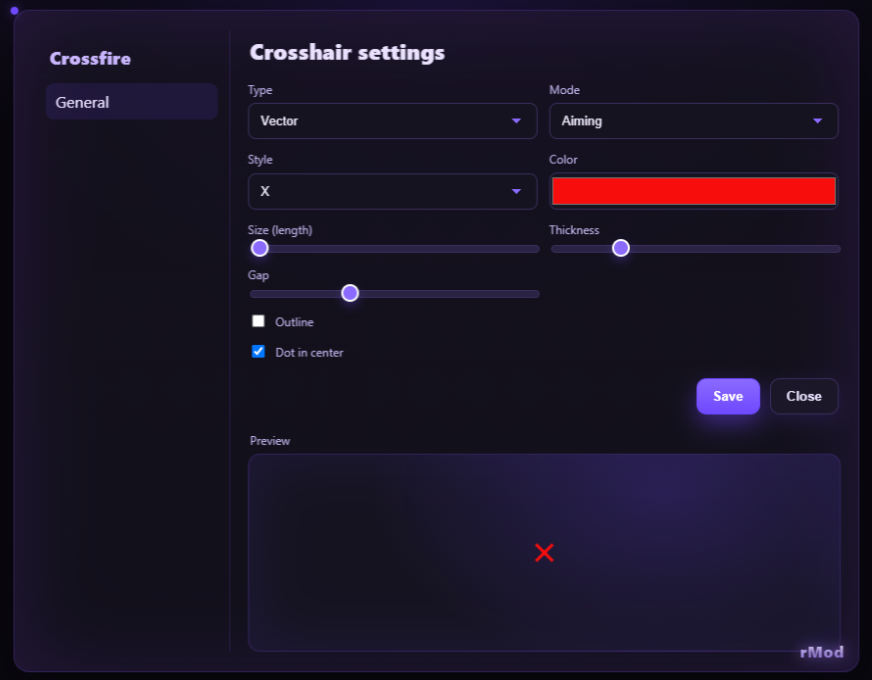
⚙️ Advanced Visibility: Choose between three display modes: Always, Armed, or Aiming.
🎨 Two Core Styles:
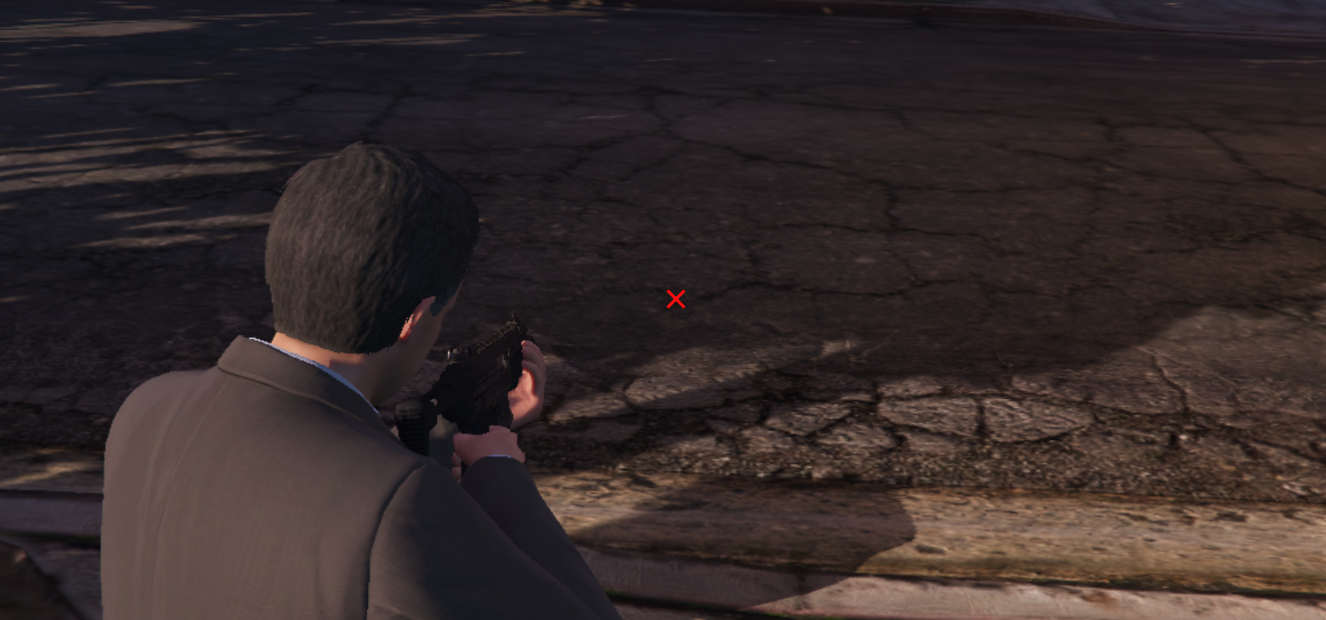
Vector: Dynamic, sharp crosshairs (Classic, T, Dot, Circle, X) with full control over color, size, gap, and more.
PNG: Use one of the 7 included presets or add your own custom images.
🖥️ Live Preview: See your changes in real-time within the UI before applying them.
💥 Enemy Highlight: The crosshair dynamically changes color when aiming at other players, mimicking the behavior of the default GTA V reticle.
🚀 Optimized Performance: The resource is lightweight and throttled to ensure minimal impact on performance.
PREVIEW
Installation Guide
Place the crossfire folder into your server's resources directory.
Add the following line to your server.cfg file:
ensure crossfire
Restart your server. The resource will now be active.
To open the menu in-game, use the default command /cross or press the HOME key.